The Nightmare Scenario: Recognizing a Compromised Inbox
There are few digital experiences more panic-inducing than realizing your primary email account has been hacked. Because your email serves as the master key to your online life—holding the power to reset passwords for your bank, your social media, and your work accounts—a compromised inbox is an absolute emergency. The signs of a hack can range from the obvious (being locked out with an incorrect password) to the subtle (finding strange emails in your "Sent" folder, or friends complaining about spam messages coming from your address).
If you suspect, or definitively know, that your email has been breached, time is your most critical asset. You must act immediately to lock out the attacker, secure your secondary accounts, and assess the damage. Do not panic; instead, methodically execute the following step-by-step recovery plan.
Immediate Action Plan: Reclaiming Your Account
Step 1: Attempt to Log In and Change the Password
The very first thing you must do is try to log in. If the attacker has not yet changed your password, you have a brief window of opportunity to lock them out.
- If you can log in: Immediately navigate to your security settings and change the password to something incredibly complex and entirely new. Do not use a variation of your old password. Utilize a password manager to generate a randomized string of characters.
- If you cannot log in: The attacker has likely locked you out. Immediately use your email provider’s "Forgot Password" or account recovery options. This usually involves answering security questions, receiving a code on your backup phone number, or having a reset link sent to a secondary recovery email address.
Step 2: Terminate All Active Sessions
Changing your password does not always kick the attacker out immediately if they are already logged in on another device. You must manually force a global logout.
- Navigate to your email provider's security dashboard (e.g., Google Account Security, Microsoft Recent Activity).
- Look for a section titled "Your Devices" or "Active Sessions."
- Review the list. If you see unrecognized devices (e.g., a phone model you don't own, or a login from a foreign country), select the option to "Sign out," "Revoke Access," or "Remove" that device immediately.
Step 3: Enable Multi-Factor Authentication (MFA)
Once you have regained control and set a new password, you must fortify the gates. Enable Multi-Factor Authentication (often called Two-Step Verification or 2FA) immediately. This requires any future login attempt to provide a secondary piece of evidence—such as a code from an authenticator app on your phone—meaning a stolen password alone will be useless to attackers.
Step 4: Audit Forwarding Rules and Filters
This is a critical step that many people overlook. Hackers know you will eventually reclaim your account, so they often set up hidden rules to maintain access to your data.
- Go into your email settings and check the "Forwarding and POP/IMAP" section.
- Ensure the hacker hasn't set up a rule that automatically forwards all incoming emails (especially those containing the words "password reset" or "bank") to their own external address.
- Check your "Filters" or "Rules" tab to ensure they haven't set rules to automatically delete incoming security alerts from your bank so you remain unaware of financial theft.
Step 5: Secure Linked Financial and High-Value Accounts
With your email secured, assume the hacker had enough time to request password resets for your other accounts. Immediately go to your bank, credit card portals, Amazon, PayPal, and main social media accounts. Check for unauthorized transactions and change the passwords for these critical accounts just to be safe. If you see suspicious activity, freeze your credit cards immediately.
Step 6: Notify Your Contacts
Hackers often use compromised accounts to send out spear-phishing emails to the victim's address book. These emails might ask for emergency wire transfers or contain malicious links. Send a brief, clear email to your contacts (using BCC to protect their privacy) stating: "My email account was temporarily compromised. Please delete any strange emails or links sent from me over the last 48 hours. The account is now secure."
Preventing Future Disasters: The Proactive Approach
Recovering from a hacked email is exhausting. The goal is to ensure you never have to go through the process again. Implementing a proactive security strategy is key.
A Common Scenario: The Domino Effect
Many hacks do not happen because someone targeted you directly; they happen because you used your primary email and a weak password to sign up for a random forum five years ago. That forum gets breached, the database is leaked, and automated bots try that email/password combination on Gmail until it works. This domino effect is entirely preventable.
To break this chain, you must drastically reduce the exposure of your primary email address. This is where disposable emails become your best friend.
- Reserve Your Primary Email: Your main email address should be a closely guarded secret, used strictly for banking, official government correspondence, and trusted personal contacts.
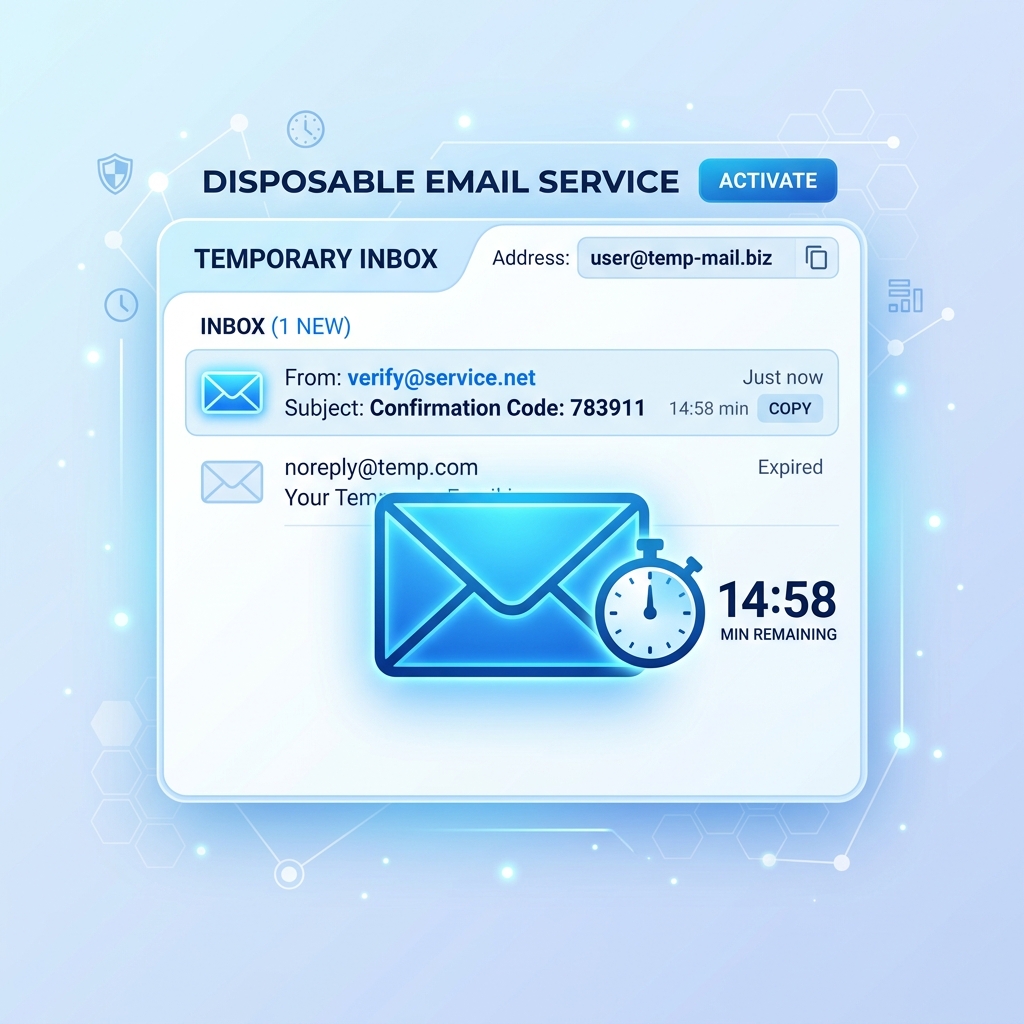
- Use Disposable Emails for Everything Else: When you need to download a whitepaper, sign up for a one-off retail discount, register for a webinar, or test a new web service, do not use your real email. Instead, visit a service like Tem-pmail and generate a temporary inbox. You receive the confirmation link you need, and then the address vanishes. If that random web service is hacked next year, the attackers get absolutely nothing connecting them to your real identity.
Conclusion: Stay Vigilant
A hacked email is a severe breach of your digital privacy, but swift, decisive action can mitigate the damage. By methodically reclaiming your account, purging unauthorized sessions, checking for hidden forwarding rules, and notifying your network, you can regain control. Moving forward, combining unbreakable passwords, mandatory 2FA, and the strategic use of temporary emails for untrusted registrations will transform you from an easy target into a digital fortress.