Why Online Privacy Matters More Than Ever
We live in an era where data is the new currency. Every website you visit, every app you download, and every service you sign up for collects information about you. This data is bought, sold, and analyzed — often without your meaningful consent. Understanding and protecting your online privacy is no longer optional; it is a fundamental requirement for a safe digital life.
This guide covers the most effective, practical strategies anyone can implement — regardless of technical background — to reclaim control over their personal information.
Layer 1: Protecting Your Identity at Sign-Up
Use Temporary Email Addresses
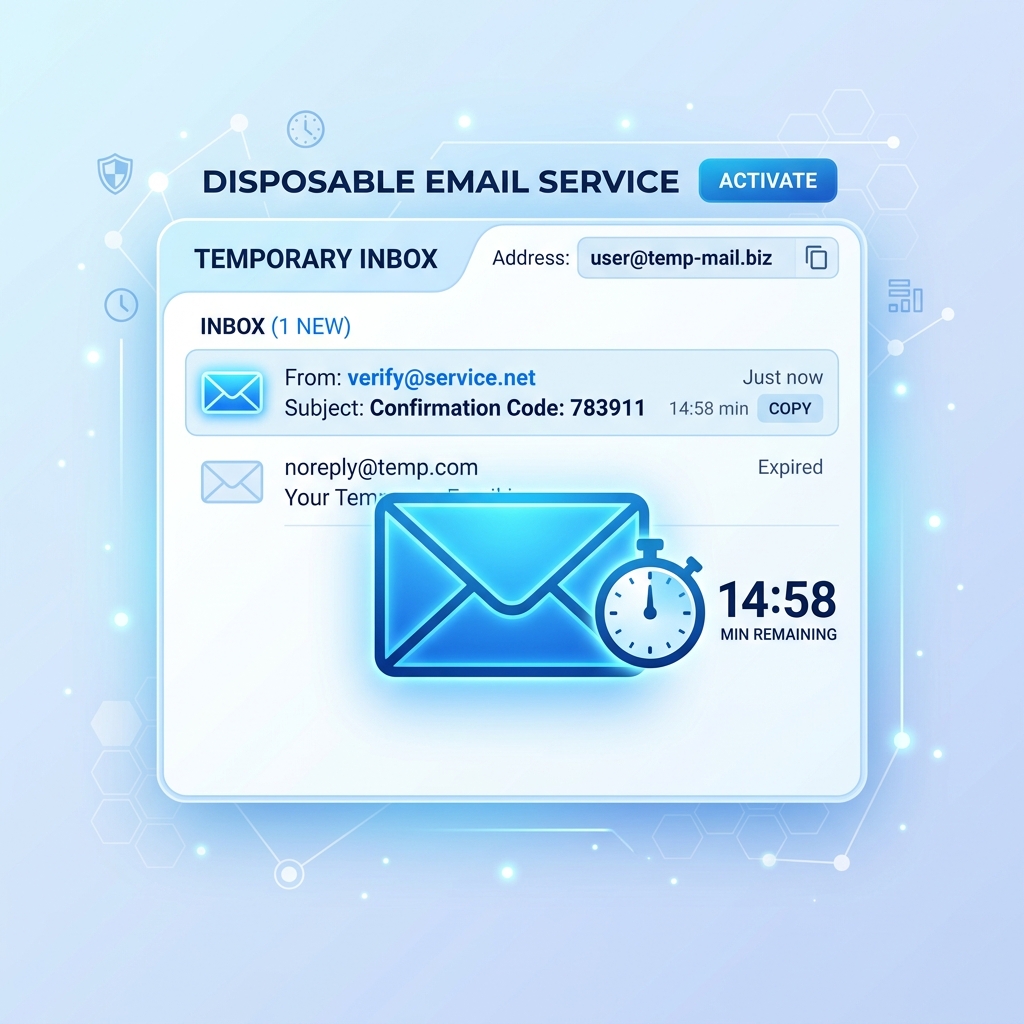
One of the most underrated privacy tools is the disposable email address. When you sign up for a service you are unsure about, never use your real email. A temporary email gives you all the functionality you need for verification while keeping your primary address out of marketing databases. Learn more in our guide to temporary emails in 2026.
Use Aliases for Trusted Services
For services you plan to use long-term, consider using email alias tools that forward to your real inbox without exposing your actual address. This way, if an alias is ever compromised, you can simply disable it without changing your real email.
Layer 2: Securing Your Browsing
Use a Privacy-Focused Browser
Mainstream browsers collect telemetry data and enable extensive tracking by default. Consider switching to browsers like Firefox (configured for privacy) or Brave, which blocks ads and trackers natively. Key settings to configure:
- Disable third-party cookies
- Enable strict tracking protection
- Use HTTPS-only mode
- Disable location, microphone, and camera permissions globally
Install a Good Ad and Tracker Blocker
Browser extensions like uBlock Origin block thousands of known trackers, ads, and data collection scripts. These work at the network level, preventing trackers from loading in the first place — far more effective than opting out after the fact.
Use a VPN Wisely
A Virtual Private Network (VPN) encrypts your internet traffic and hides your IP address from the websites you visit. However, it is important to choose a reputable provider that does not log your activity. Look for providers with verified no-log policies and transparency reports. A VPN is particularly useful on public Wi-Fi networks.
Layer 3: Locking Down Your Accounts
Use Strong, Unique Passwords
The most common way accounts are compromised is through reused passwords. If one service is breached, attackers try the same credentials everywhere else. Use a reputable password manager to generate and store unique, complex passwords for every account. You should only need to remember one master password.
Enable Two-Factor Authentication (2FA)
Two-factor authentication requires a second form of verification — typically a code from an app — in addition to your password. Even if your password is stolen, 2FA prevents unauthorized access. Enable it on every account that supports it, especially email, banking, and social media.
Audit Your Connected Apps
Many people grant third-party apps access to their Google, Facebook, or Apple accounts and never review those permissions. Regularly visit your account security settings and revoke access from apps you no longer use or don't recognize.
Layer 4: Minimizing Your Digital Footprint
Data Minimization in Practice
The principle of data minimization means sharing only what is absolutely necessary. When filling out online forms, ask yourself: does this service really need my phone number, date of birth, or home address? If not, leave it blank or provide minimal information.
Opt Out of Data Sharing
Many services include data sharing options buried in their privacy settings. Take 30 minutes to review the privacy dashboards of the services you use most — Google, Meta, Apple — and disable sharing options that you have not explicitly agreed to. Also check your state or country's data rights — you may be entitled to request the deletion of your data.
Be Careful What You Post Publicly
Social media oversharing is a major source of data exposure. Avoid posting your full name, location, employer, phone number, or daily schedule publicly. Attackers use this information for social engineering and targeted phishing attacks.
Layer 5: Staying Informed
Privacy threats evolve constantly. Stay informed by following reputable cybersecurity news sources, enabling breach notifications through services like HaveIBeenPwned, and reviewing the privacy policies of major services you use at least annually.
Conclusion: Privacy Is a Practice, Not a Product
True online privacy is not a single tool or app — it's a combination of habits, tools, and ongoing vigilance. Start with the fundamentals: use a temporary email address for non-essential sign-ups, enable 2FA on critical accounts, and install a tracker blocker in your browser. Build from there, layer by layer.
Your data belongs to you. Taking these steps ensures that it stays that way.